Start with one operational decision
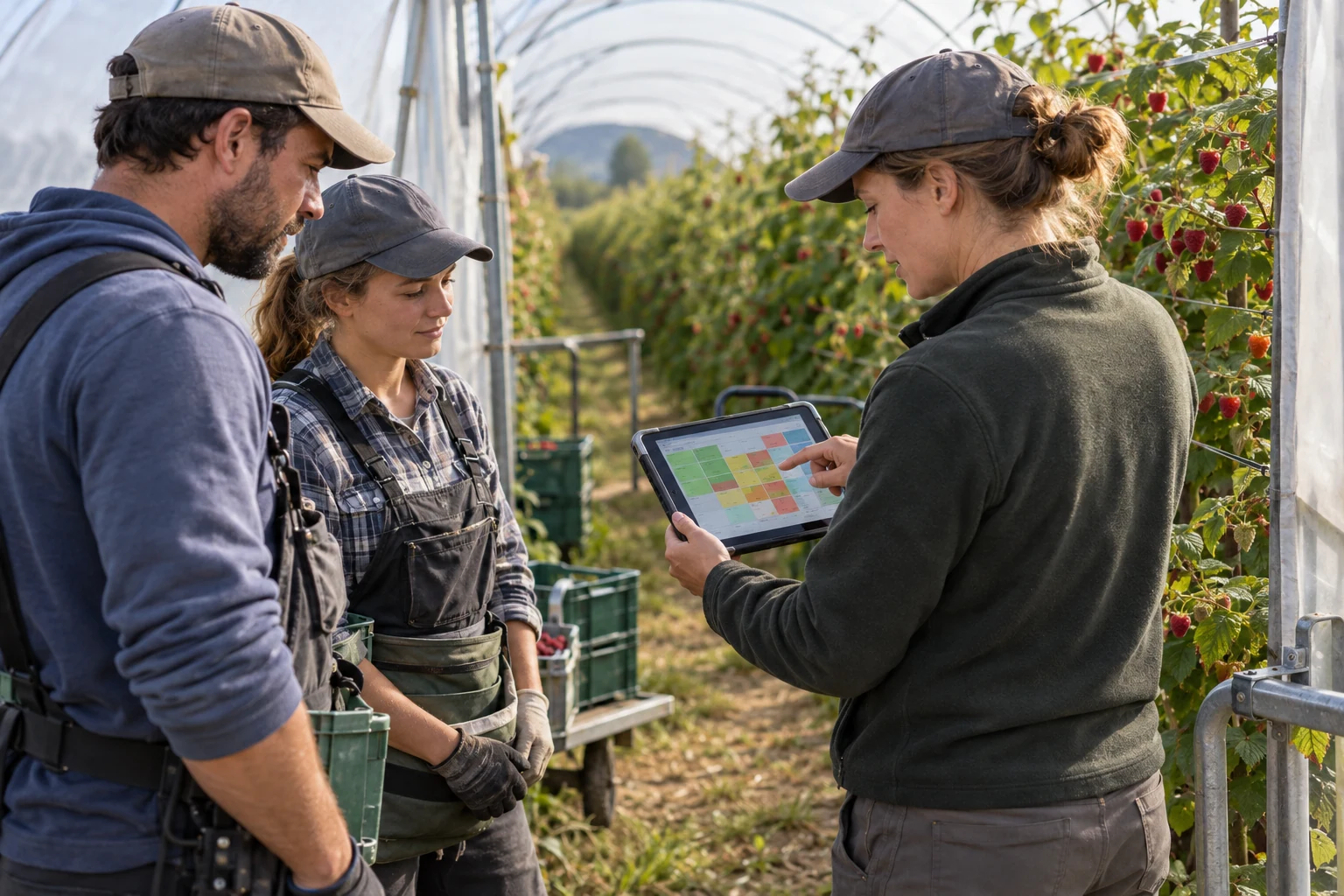
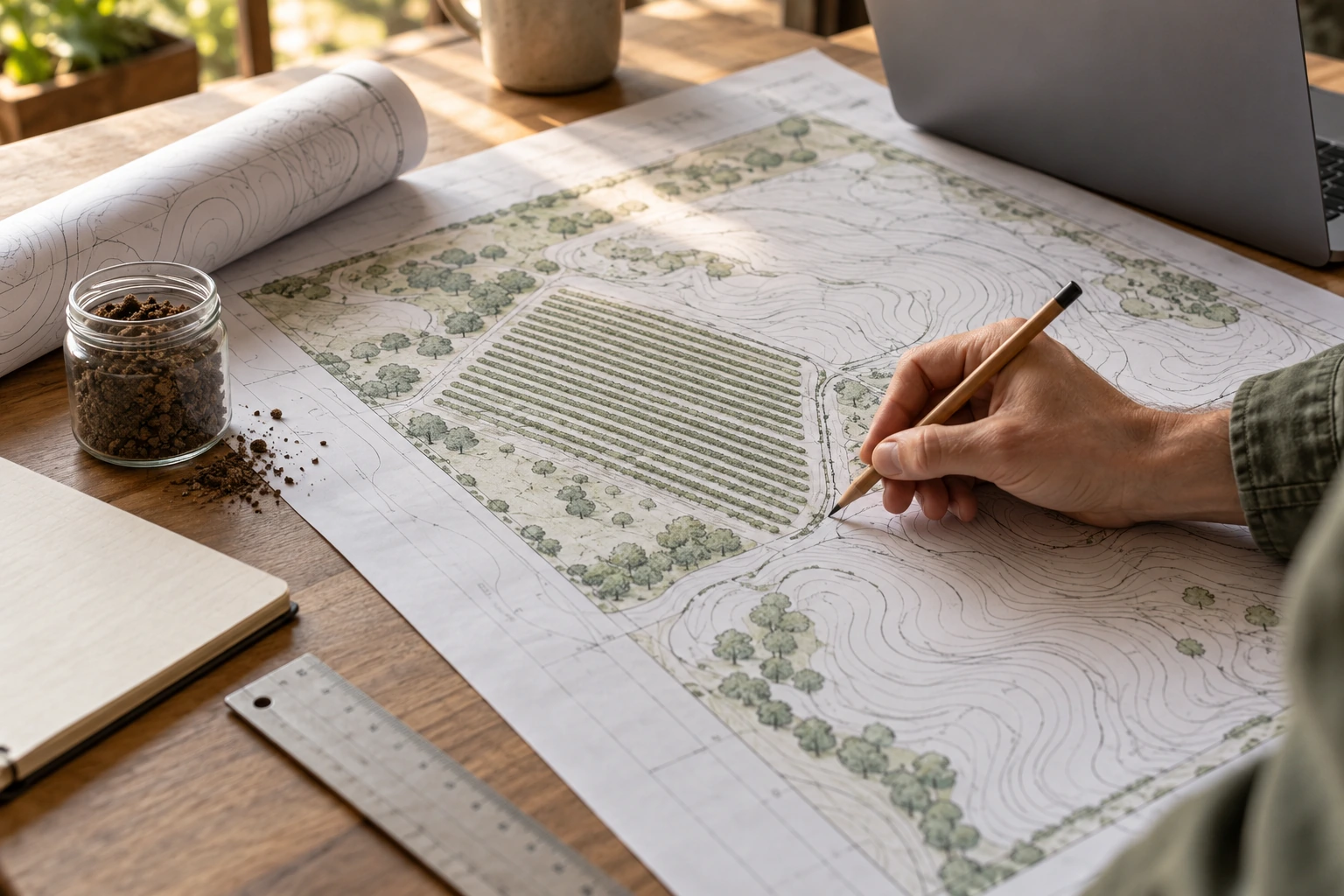
Decide what the farm manager needs to know before the next action: where to move a team, which block has been picked, or how much fruit is waiting for packing. Assign an owner and a reporting deadline. Map how that answer is produced today, including paper sheets and spreadsheets. A focused first workflow exposes missing data and responsibilities more clearly than buying devices for every possible future function.
Define identifiers and events consistently
Create stable identifiers for blocks, varieties, tasks, teams and containers before importing records. For a harvest event, define time, location, lot identity and weight fields, including whether a value is gross, tare or net. Keep units explicit. Decide who may correct a mistaken entry and retain the reason. Splitting or combining lots needs a recorded link; a label on a crate cannot by itself explain the fruit’s complete journey.
Keep measurement and prediction separate
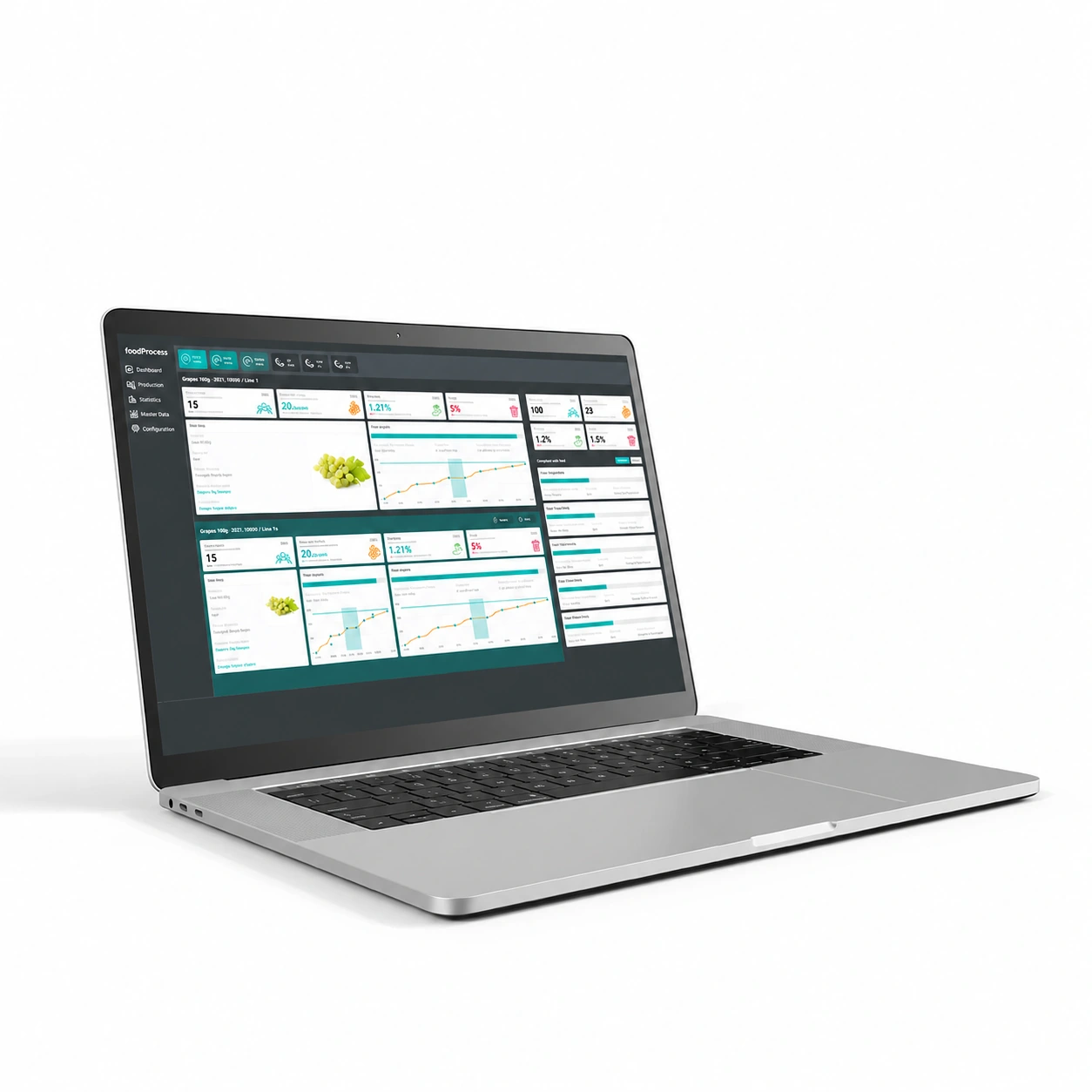
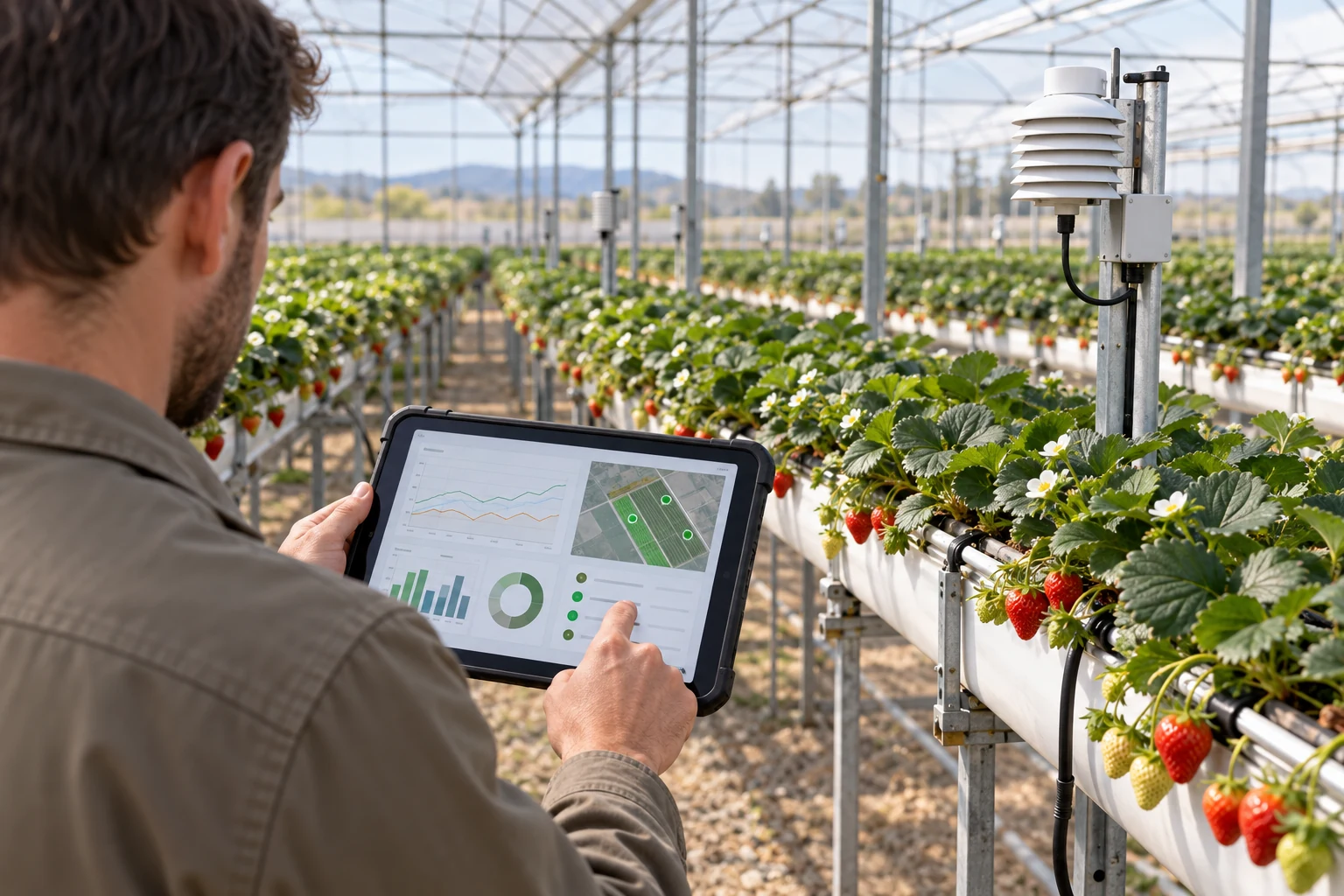
Work-time records describe activities; weighed harvest describes collected fruit; crop observations support planning estimates. Do not merge these into one unexplained performance score. A worker comparison needs the task, crop, block condition and time definition to be meaningful. A yield forecast needs its date, horizon and input assumptions. Display actual results alongside forecasts when reviewing them. Digital records support management; they do not make harvesting autonomous or guarantee forecast accuracy.
Check the capture point in field conditions
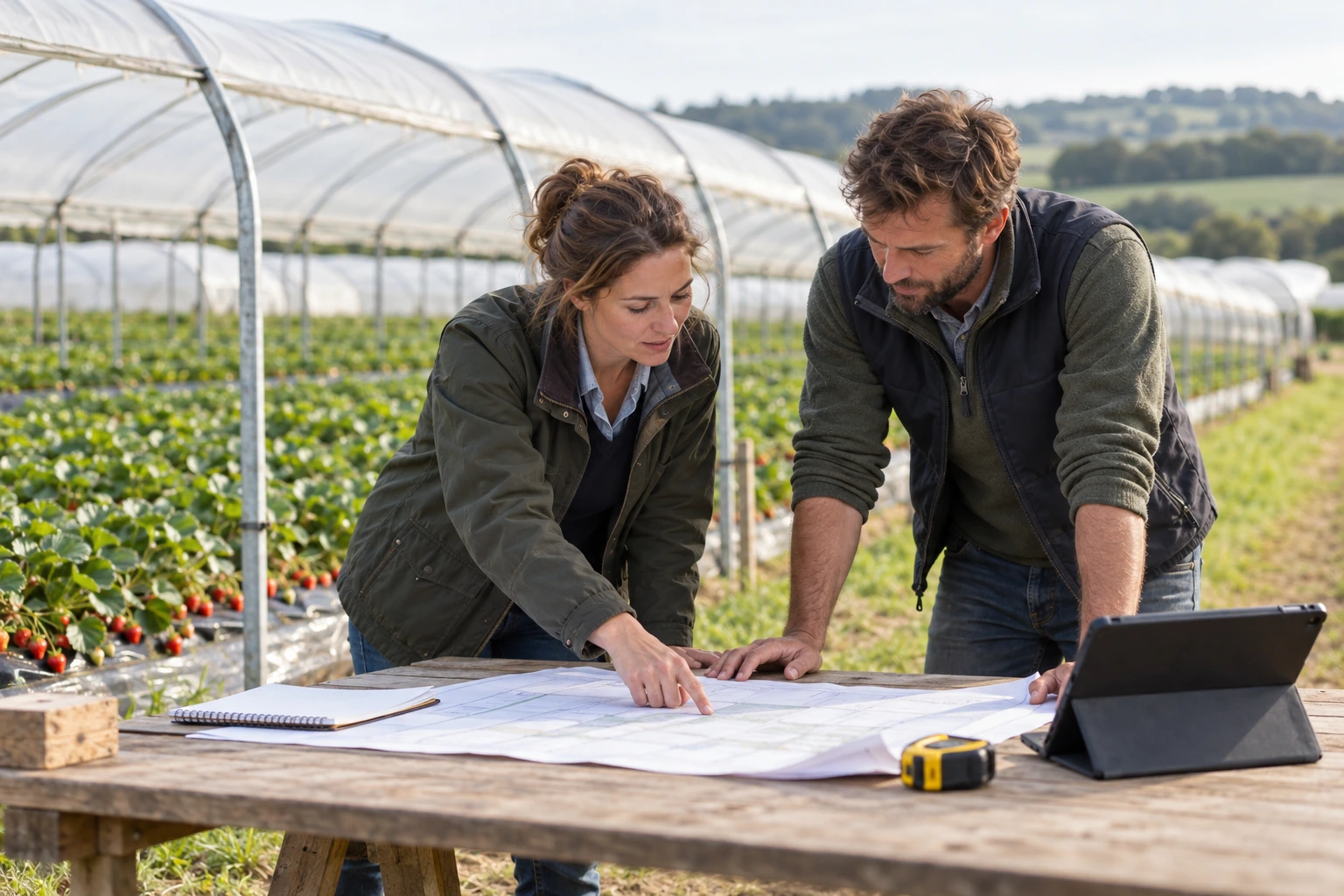
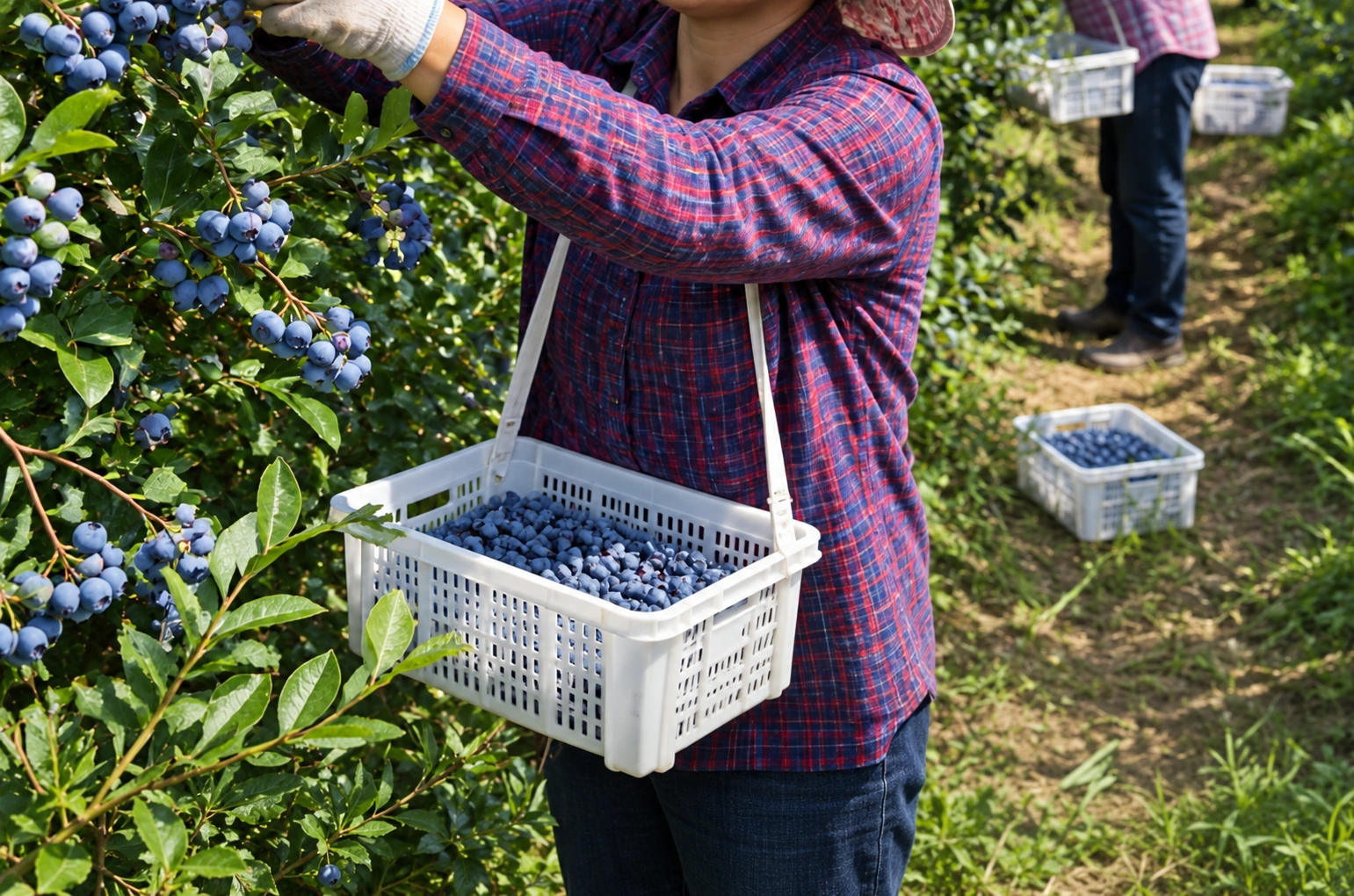
Locate where an event can be recorded without blocking picking or transport. Check power, charging, connectivity, readable identification and the intended scale or reader interface. Compatibility must be verified for the selected configuration. Ask what happens during a lost connection, repeated scan, changed container or depleted battery. Define a temporary recording method and reconciliation procedure. Do not assume that offline storage or automatic synchronisation exists until it has been demonstrated.
Pilot the exceptions, not only the normal day
Begin with one representative block and team, using a short parallel reference record. Compare daily container counts, net weights and task totals, then investigate differences rather than forcing them to match. Include a rejected lot, corrected weight and team transfer. Agree acceptable completeness and reconciliation rules before rollout. Train supervisors to resolve exceptions and operators to record the minimum useful data. The pilot ends when the records can support a real decision reliably.
Agree access, exports and support
Name who maintains master data, approves corrections and can export records. Specify the fields, file format and destination needed by the next process; do not assume a connection to payroll or packing software is included. Agree access roles, account removal, support and recovery arrangements. Future Farm Equipment can map workflows, document interfaces and prepare the software and equipment schedule. Deployment, training and ongoing support belong in the agreed scope, with responsibilities clearly assigned. Define the minimum worker data needed and a retention period for each record type.
Match the question to the record
Swipe the table sideways to compare all columns.
| Management question | Record required | Validation check |
|---|---|---|
| Which blocks were picked? | Task, block and completion time | Supervisor review |
| How much fruit arrived? | Lot, containers and net weight | Weighing and count reconciliation |
| What should be planned next? | Dated forecast and actual harvest | Review forecast against actuals |
Common mistakes to avoid
- 01
Digitising inconsistent codes: clean the block, task and container lists first.
- 02
Comparing worker totals without context: retain task, conditions and working-time definitions.
- 03
Assuming every device connects: require a demonstrated interface and a fallback recording process.
Prepare these inputs for an engineering discussion
Mark the information you already have. Download the list and use it to prepare your conversation with our engineering team.
The checklist is a working aid. Ticks stay on this page only; no information is sent. Missing inputs can be identified together during the project review.
An introductory planning guide from Future Farm Equipment. Equipment specifications, site calculations, responsibilities and the final scope are confirmed in the project documentation and proposal.